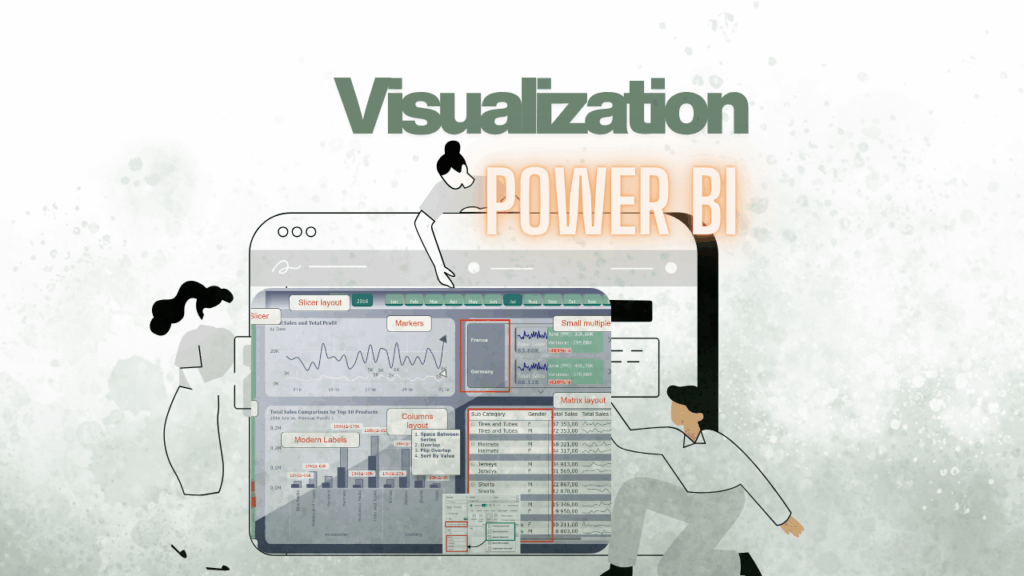

🚀#009 Power BI Performance: How Do You Know Your Model Is Good Enough?

Let’s be honest: nothing kills the „wow” factor of a beautiful dashboard faster than a spinning loading icon. 🔄 We’ve all been there—you click a slicer, go to grab a coffee, and by the time you’re back, the visual is still thinking. Therefore, it is crucial to understand that a high-performing Power BI model isn’t […]

🚀#009 Power BI Performance: How Do You Know Your Model Is Good Enough? Dowiedz się więcej »
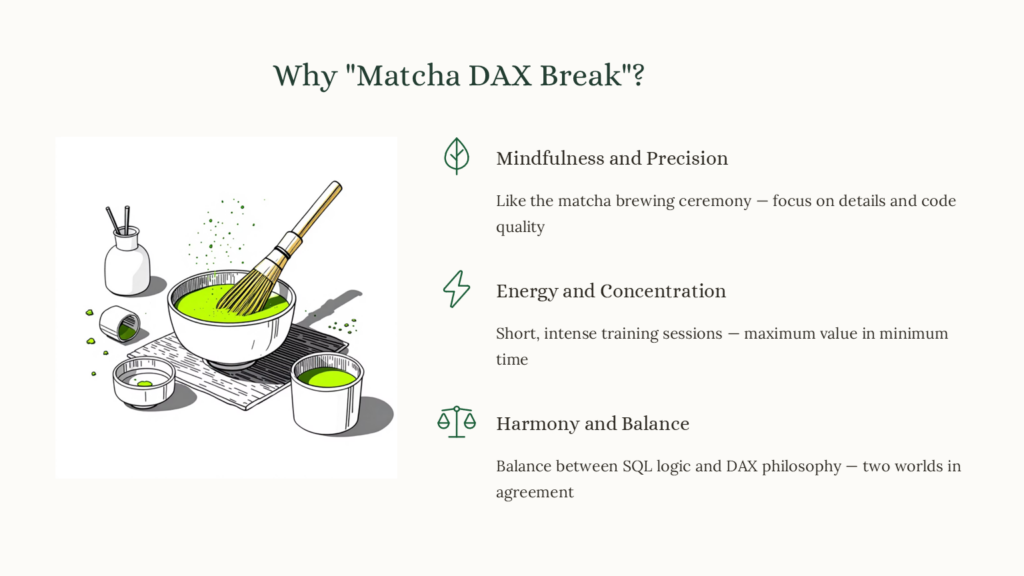
Matcha DAX break

#008 🍵 Matcha DAX Break – Smart Ways to Practice DAX

’Matcha DAX Break’ is a deliberate learning ritual — a moment to slow down, focus, and consistently practice DAX skills beyond daily work demands. ⭐ How to practice DAX when your job doesn’t really require it (yet) One of the most common things I hear from people learning DAX is: “I understand the basics, but

#008 🍵 Matcha DAX Break – Smart Ways to Practice DAX Dowiedz się więcej »

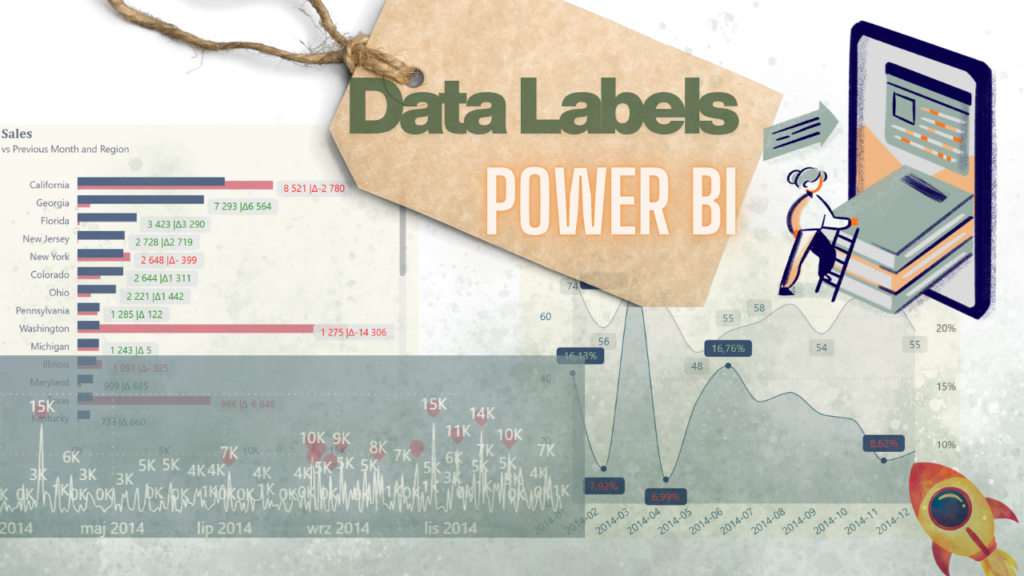
#007 Mastering Data Labels in Power BI: How to Present Insights Effectively Without Overwhelming Users

When it comes to data visualization in Power BI, data labels can either elevate your report or completely overwhelm your audience. Power BI data labels are meant to clarify your story—not create visual noise. Yet many users switch them on for every bar, line, and column, only to end up with a chart full of

#007 Mastering Data Labels in Power BI: How to Present Insights Effectively Without Overwhelming Users Dowiedz się więcej »

#006: How to combine multiple Excel files into one table in Power BI?

Keywords: Power Query, Power BI, M language, Power Query tips, Power BI automation, Power Query best practices, M code, data transformation, ETL Power BI. If you work with multiple Excel files and repeatable sheet layouts, you’ve probably wondered how to combine multiple Excel files into one table in Power BI efficiently. Manually importing each workbook

#006: How to combine multiple Excel files into one table in Power BI? Dowiedz się więcej »

#005: Power Shot: 5 Essential Power Query Best Practices I Never Skip in Daily Power BI Workflows

Keywords: Power Query, Power BI, M language, Power Query tips, Power BI automation, Power Query best practices, M code, data transformation, ETL Power BI. 💡 Introduction Working efficiently in Power Query is one of the most important skills for anyone building professional Power BI reports.Over the years, I’ve discovered several Power Query techniques in M

#005: Power Shot: 5 Essential Power Query Best Practices I Never Skip in Daily Power BI Workflows Dowiedz się więcej »

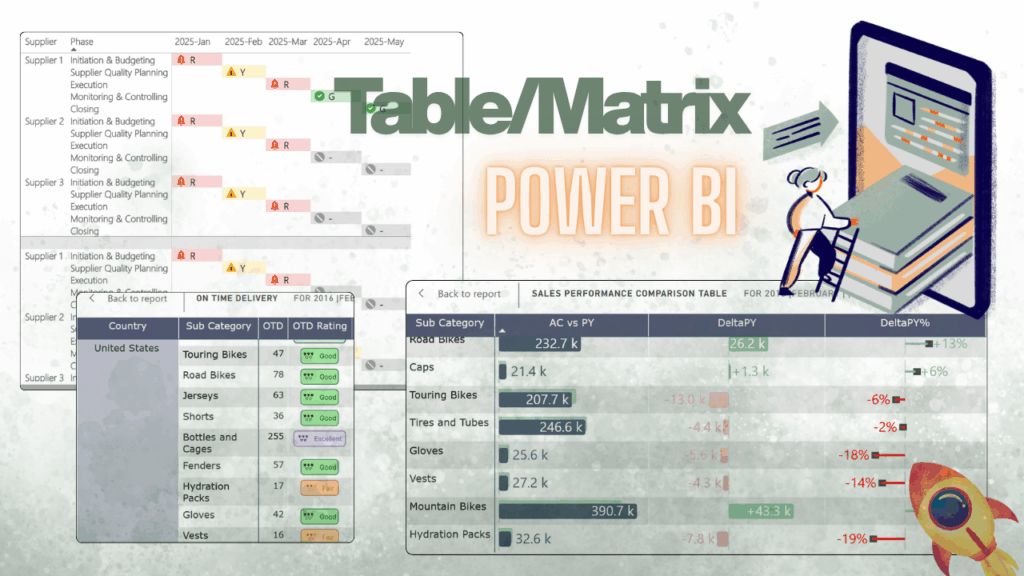
#004: Goodbye Boring Tables – 7 Ways to Make Power BI Data Pop

Tables in Power BI – boring? Think again. Most people see them as “Excel in disguise”, but with the right tricks, they can be interactive, visual, and even… a little sexy (yep). If you’d like to explore these examples hands-on, I’ve prepared a ready-to-use Power BI report with all the solutions described below. You can

#004: Goodbye Boring Tables – 7 Ways to Make Power BI Data Pop Dowiedz się więcej »

#003: My Favorite Power BI Visualization Updates of 2024 – Don’t Miss Them! 🚫

🌟Let’s not forget these fantastic updates from 2024. In my view, they’re incredibly useful and have the potential to elevate your reports to the next level. Don’t miss the chance to leverage them and create stunning, impactful dashboards. Let’s dive into the most exciting changes: The Space Between Series function can be used to create

#003: My Favorite Power BI Visualization Updates of 2024 – Don’t Miss Them! 🚫 Dowiedz się więcej »

#002: 🚫 Don’t Do This in Excel!

So you’ve discovered Power Query—welcome!🌟 It’s like the Swiss Army knife for data: importing, cleaning, and transforming at the click of a button. And at first, it’s amazing! But with that first taste of power, new users get excited. They start connecting to folders and stacking transformations like a pro.Soon, chaos ensues. 🙈🙈🙈 If you’re

#002: 🚫 Don’t Do This in Excel! Dowiedz się więcej »

#001: Append Excel Sheets with Different Layouts Effortlessly

In this post, I’ll guide you through a simple and efficient way to append Excel sheets with different layouts directly in Power BI. For best practice, I recommend downloading the „RawData” file provided and following along with each step. By doing this, you’ll be able to apply the instructions effectively and see the results firsthand.

#001: Append Excel Sheets with Different Layouts Effortlessly Dowiedz się więcej »