admin-ggc4OKYg

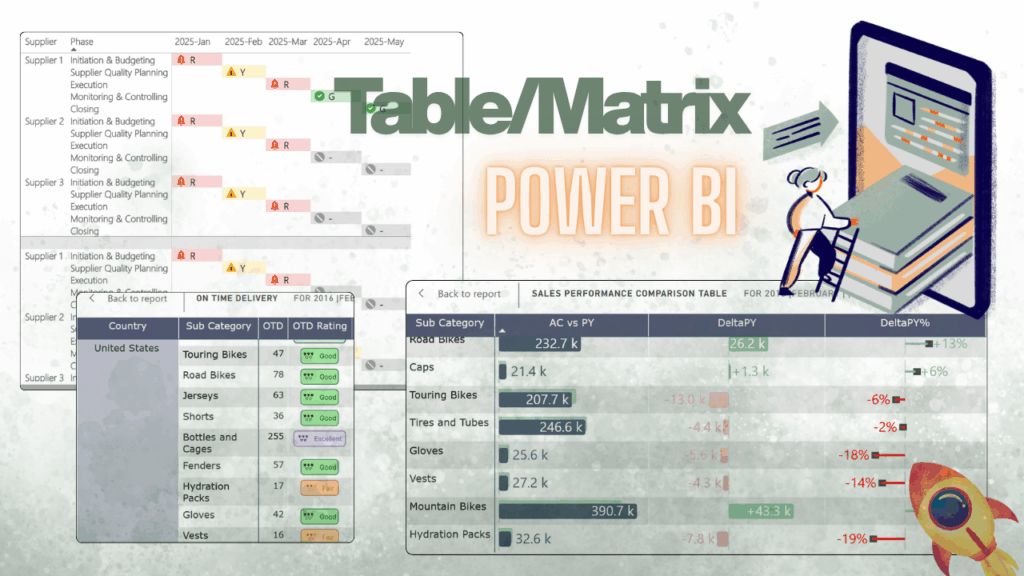
#004: Goodbye Boring Tables – 7 Ways to Make Power BI Data Pop

Tables in Power BI – boring? Think again. Most people see them as “Excel in disguise”, but with the right tricks, they can be interactive, visual, and even… a little sexy (yep). If you’d like to explore these examples hands-on, I’ve prepared a ready-to-use Power BI report with all the solutions described below. You can […]

#004: Goodbye Boring Tables – 7 Ways to Make Power BI Data Pop Dowiedz się więcej »

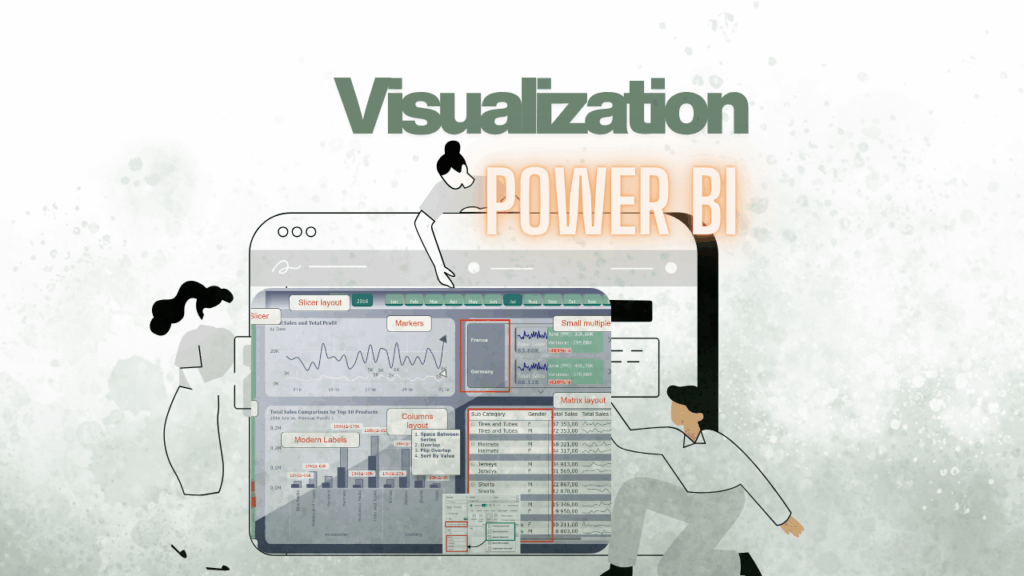
#003: My Favorite Power BI Visualization Updates of 2024 – Don’t Miss Them! 🚫

🌟Let’s not forget these fantastic updates from 2024. In my view, they’re incredibly useful and have the potential to elevate your reports to the next level. Don’t miss the chance to leverage them and create stunning, impactful dashboards. Let’s dive into the most exciting changes: The Space Between Series function can be used to create

#003: My Favorite Power BI Visualization Updates of 2024 – Don’t Miss Them! 🚫 Dowiedz się więcej »

#002: 🚫 Don’t Do This in Excel!

So you’ve discovered Power Query—welcome!🌟 It’s like the Swiss Army knife for data: importing, cleaning, and transforming at the click of a button. And at first, it’s amazing! But with that first taste of power, new users get excited. They start connecting to folders and stacking transformations like a pro.Soon, chaos ensues. 🙈🙈🙈 If you’re

#002: 🚫 Don’t Do This in Excel! Dowiedz się więcej »

#001: Append Excel Sheets with Different Layouts Effortlessly

In this post, I’ll guide you through a simple and efficient way to append Excel sheets with different layouts directly in Power BI. For best practice, I recommend downloading the „RawData” file provided and following along with each step. By doing this, you’ll be able to apply the instructions effectively and see the results firsthand.

#001: Append Excel Sheets with Different Layouts Effortlessly Dowiedz się więcej »